Introduction
Database access often changes as a person’s responsibilities change. A user may initially need to read and update records, but later need only read access. Keeping unnecessary permissions gives the user more access than their current work requires.
REVOKE removes previously granted permissions or role assignments. It helps administrators adjust access while keeping the user account available and preserving permissions that are still needed.
How REVOKE Works
REVOKE removes previously granted permissions or role memberships. Remember the syntax distinction: GRANT gives permissions TO a user, while REVOKE removes them FROM a user. Run the command through an account authorized to manage the relevant permissions.
Example: Remove Write Access
Suppose Raj has only SELECT, INSERT, and UPDATE permissions on an existing students table, granted directly to his account. He now needs to read records only. Use the appropriate version for the database containing the table.
REVOKE INSERT, UPDATEON studentsFROM 'raj'@'localhost';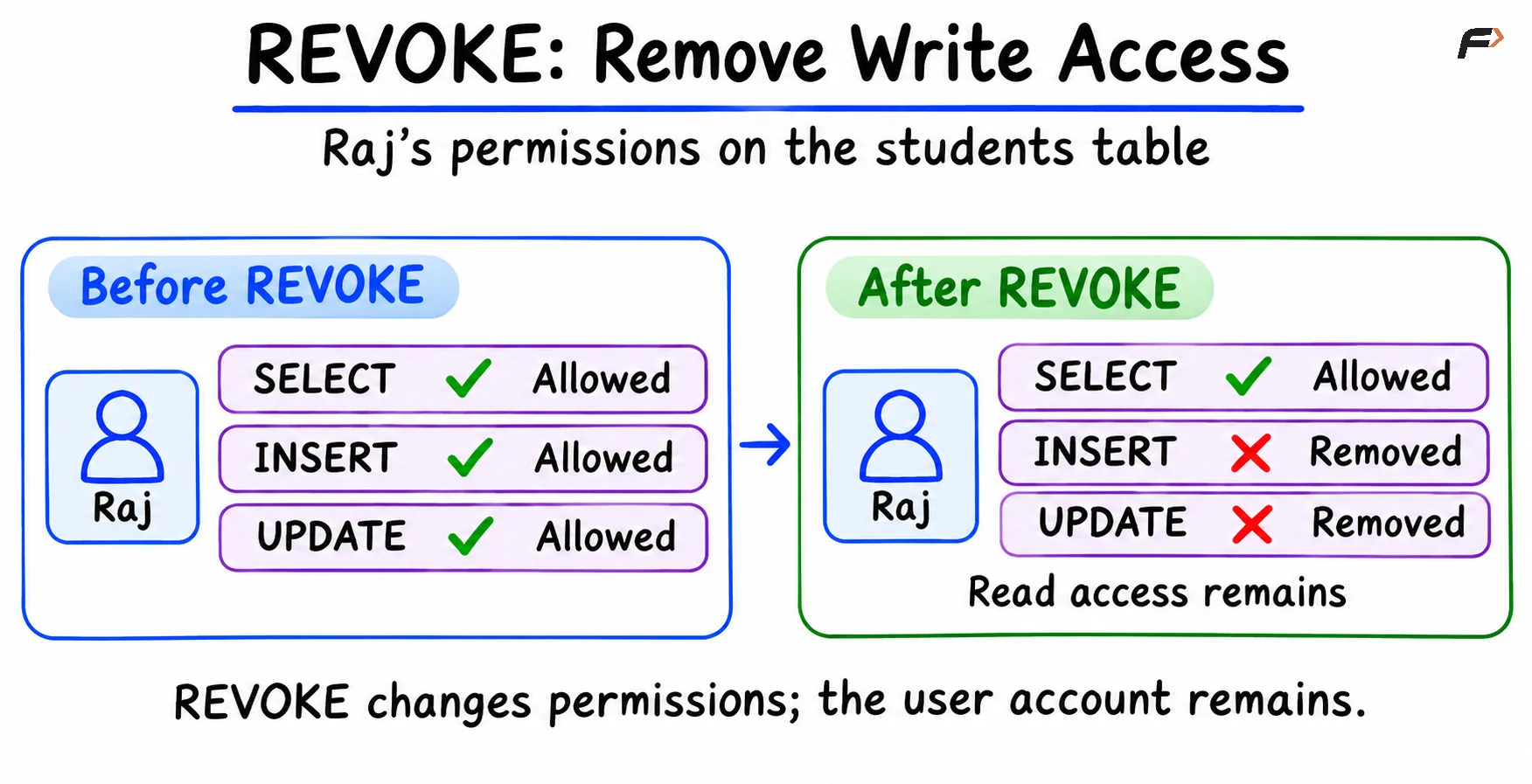
Revoke
SELECT remains because it was not included in the command. Raj can read this table, but cannot add or update its records.
Remember: REVOKE can also remove an assigned role, a named collection of privileges. The user account still exists. If another grant or role provides the same permission, that access may remain available.
Summary
REVOKE removes specified privileges or role assignments from a user. The command uses FROM to identify whose access is being changed. For example, removing INSERT and UPDATE can leave SELECT available for reading. Revoking permissions does not delete the account, and access may remain if another grant or role provides the same permission.
Be the first to add a comment.